
Social media improvements in Browsertrix
We know how important social media archiving is for organizations. The latest release of Browsertrix has made significant improvements to the behavior system that automates browsing these sites, so you can feel more confident crawling social media. For this release, we’ve focused primarily on Facebook, Instagram, and YouTube.
Facebook - a major overhaul
Our biggest enhancements with this release come to Facebook. We’ve heard how high a priority Facebook is for many organizations, so we’ve worked hard to ensure that Browsertrix now has support for many more types of content than were available in the past. While previously we were able to automate browsing an account’s post timeline, we now have much-improved support for gathering photos, videos, and content from more varieties of pages.
We’ve always supported archiving profile pages and timelines, but we now have better support for archiving individual posts as well. Browsertrix will automatically browse through the comments section to ensure that we read as many comments as we’re able to, and we’ll capture any embedded media as well. We’ve ensured that this works for all types of posts, including posts made to both organization and groups pages. We’ve also ensured that these improvements to comments browsing work for the kinds of timelines that were supported in previous versions.
We’ve also introduced a new fidelity-focused feature to capture two versions of every post we come across: whenever we encounter a post when browsing the timeline, we will also capture the standalone version of that post. Facebook sometimes serves different comments or different content on both versions of the pages, so capturing both versions of the page ensures that Browsertrix will be able to fully record as much content as possible.
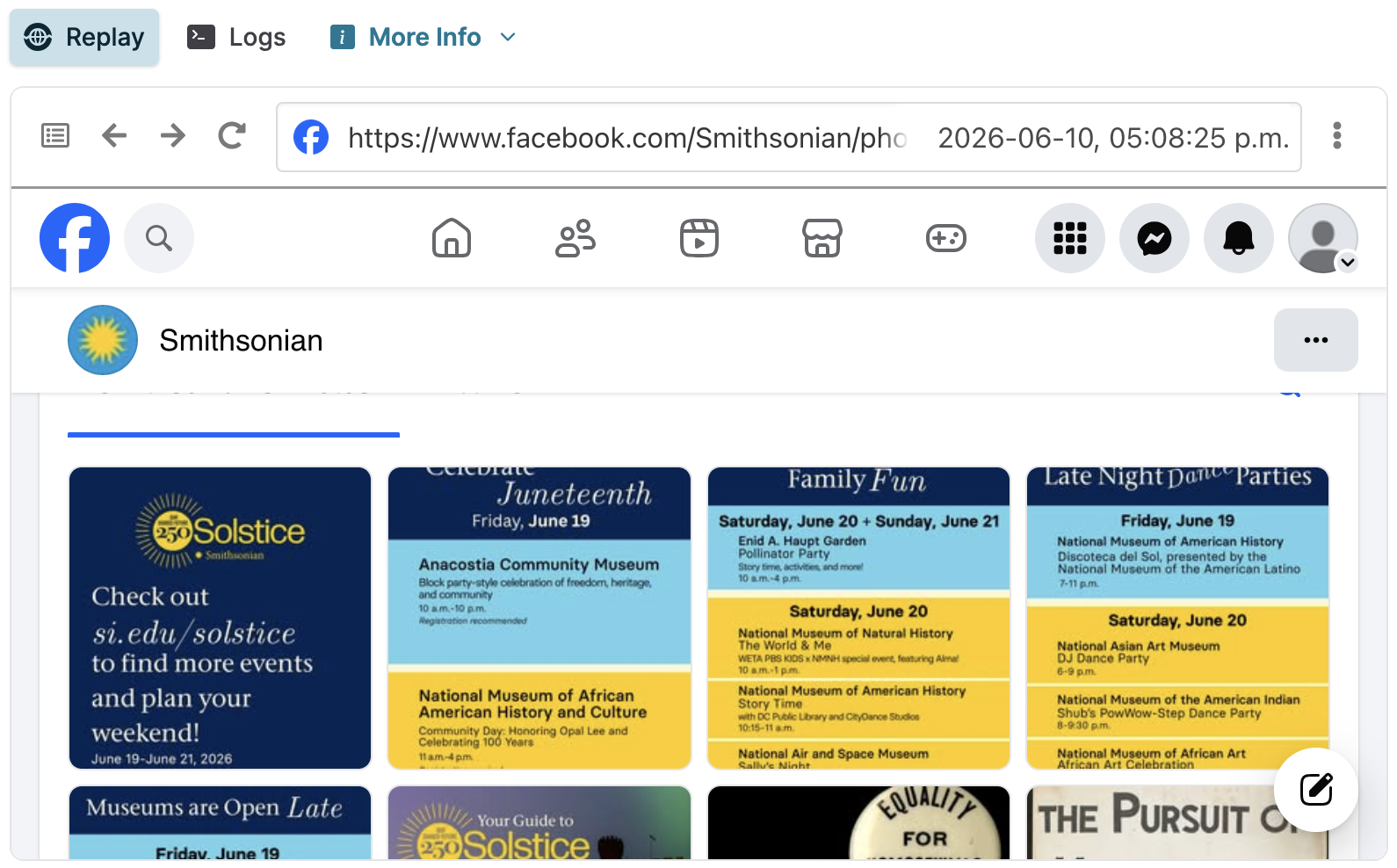
While previous versions of Browsertrix let you capture individual Facebook photos, we now support browsing through photo galleries to allow you to capture all photos associated with an organization or person. We’ll also gather comments on every photo that Browsertrix sees, letting you see more of the conversation. In addition, we’ve added support for Facebook’s reels page so you can capture all of the videos associated with a page. These videos will replay in Browsertrix just like the rest of your content.
Instagram - stories, individual photos, and more
The latest Browsertrix includes two major improvements when archiving Instagram content: we now have better support for browsing all types of pages, and we’ve added support for Instagram stories.
Previous versions of Browsertrix have focused primarily on archiving Instagram profiles, with more limited support for capturing individual post pages. We’ve taken the time to ensure that these now work as expected: Browsertrix will automatically browse every image or video within a post and will also view as many comments as possible.
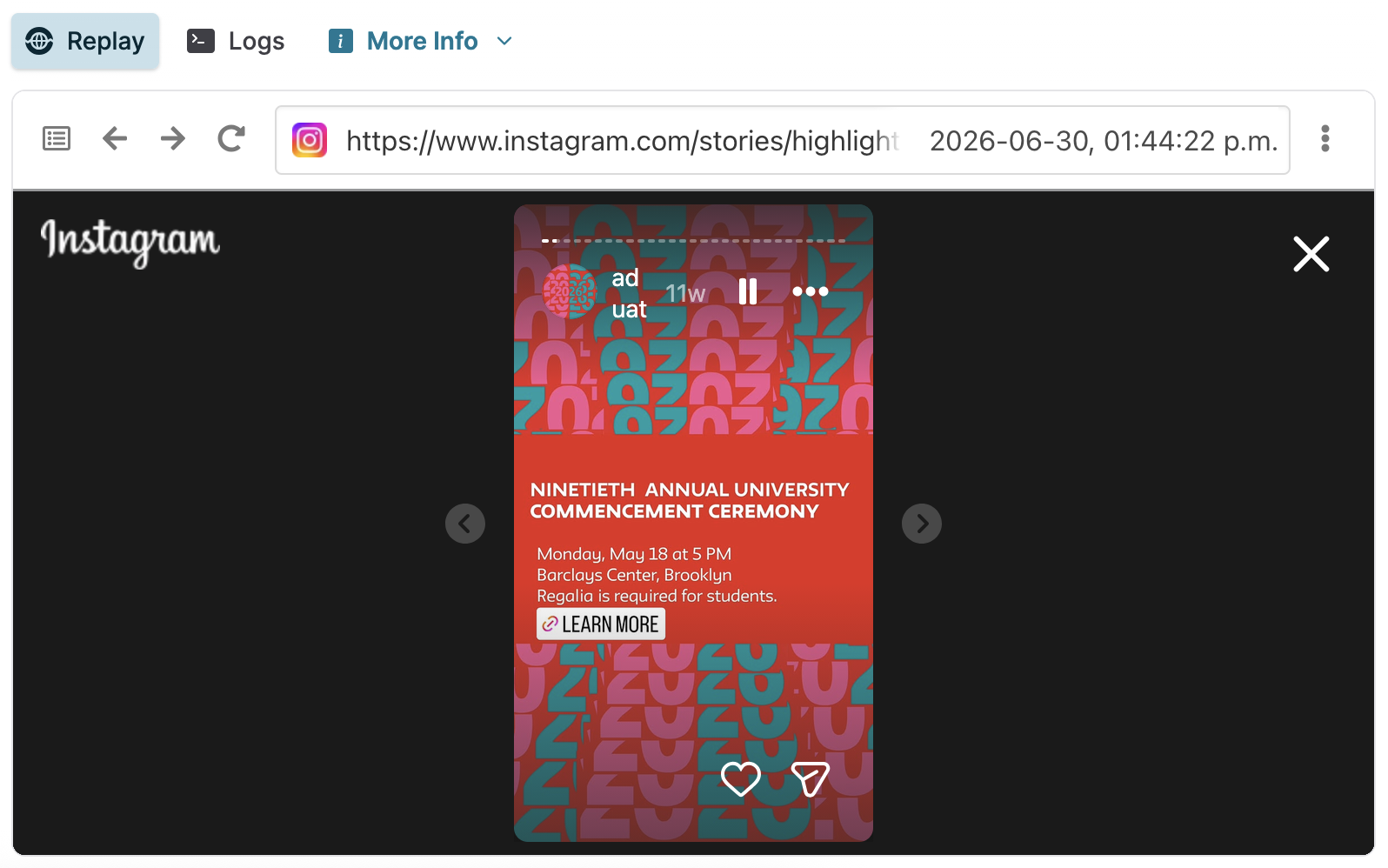
We will now automatically gather stories when archiving an Instagram profile. In addition to crawling the profile’s current stories, we’ll gather any highlights the account may have too. Crawling the current stories requires a logged-in profile, while highlights can be crawled without any special configuration.
Finally, just like with Facebook, we’ve ensured that we now capture the single-page version of every post we crawl from a profile in addition to the version seen from the profile. These two versions of the pages can be subtly different from each other, so archiving both gives us a better chance of giving you a high-fidelity capture.
Archiving Facebook and Instagram content without profiles
We usually recommend using a browser profile when archiving social media profiles, but we know this isn’t always convenient. With this release, we’ve taken the effort to ensure that you can archive as much as possible from these sites without a browser profile. Browsertrix can now find extra posts and images when browsing Instagram and Facebook without a logged-in profile, and it will attempt to gather everything the site will allow us to.
Both Instagram and Facebook restrict the amount of content that is available to logged-out users, so there are some important limitations to keep in mind. It’s also important to note that pages may look different when not captured via a browser profile even when Browsertrix has otherwise captured the same content. The following will apply when browsing without a profile:
- Instagram limits access to an account’s current stories to logged-in users.
- Both Instagram and Facebook limit the number of posts that logged-out users can view.
- Instagram will only show the first few items in a post to logged-out users.
- Both Instagram and Facebook will limit the number of comments that logged-out users can see.
Smart scoping
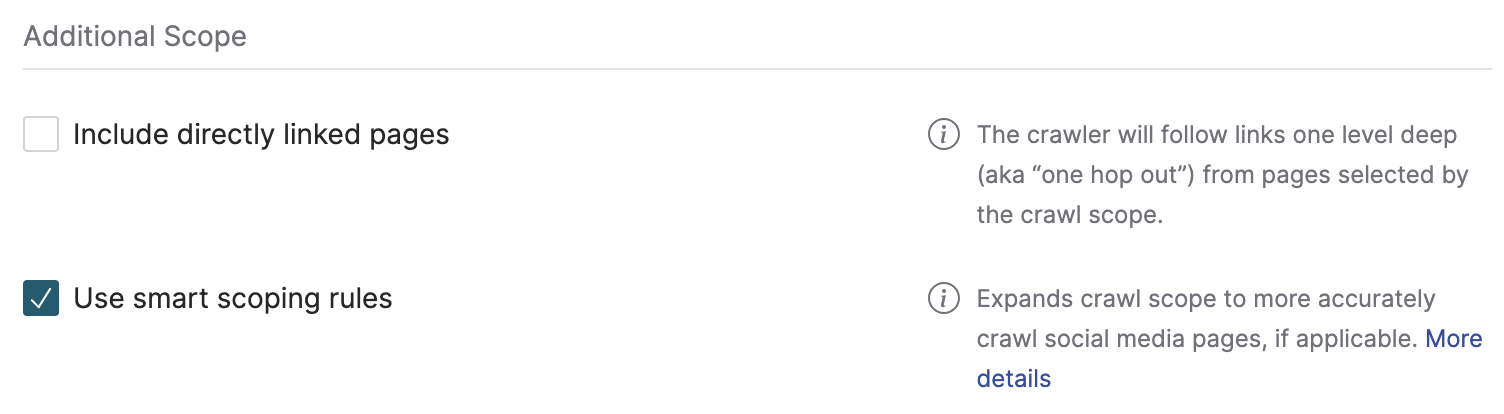
To support these new social media features, we’ve added a new scoping feature called “smart scoping”. When enabled, smart scoping will automatically crawl extra URLs for social media profiles even when they would otherwise be excluded by the scope selected for your crawl. Smart scoping is enabled by default but can be disabled by deselecting the checkbox in the “Scope” rules. For more information, consult the documentation.
YouTube
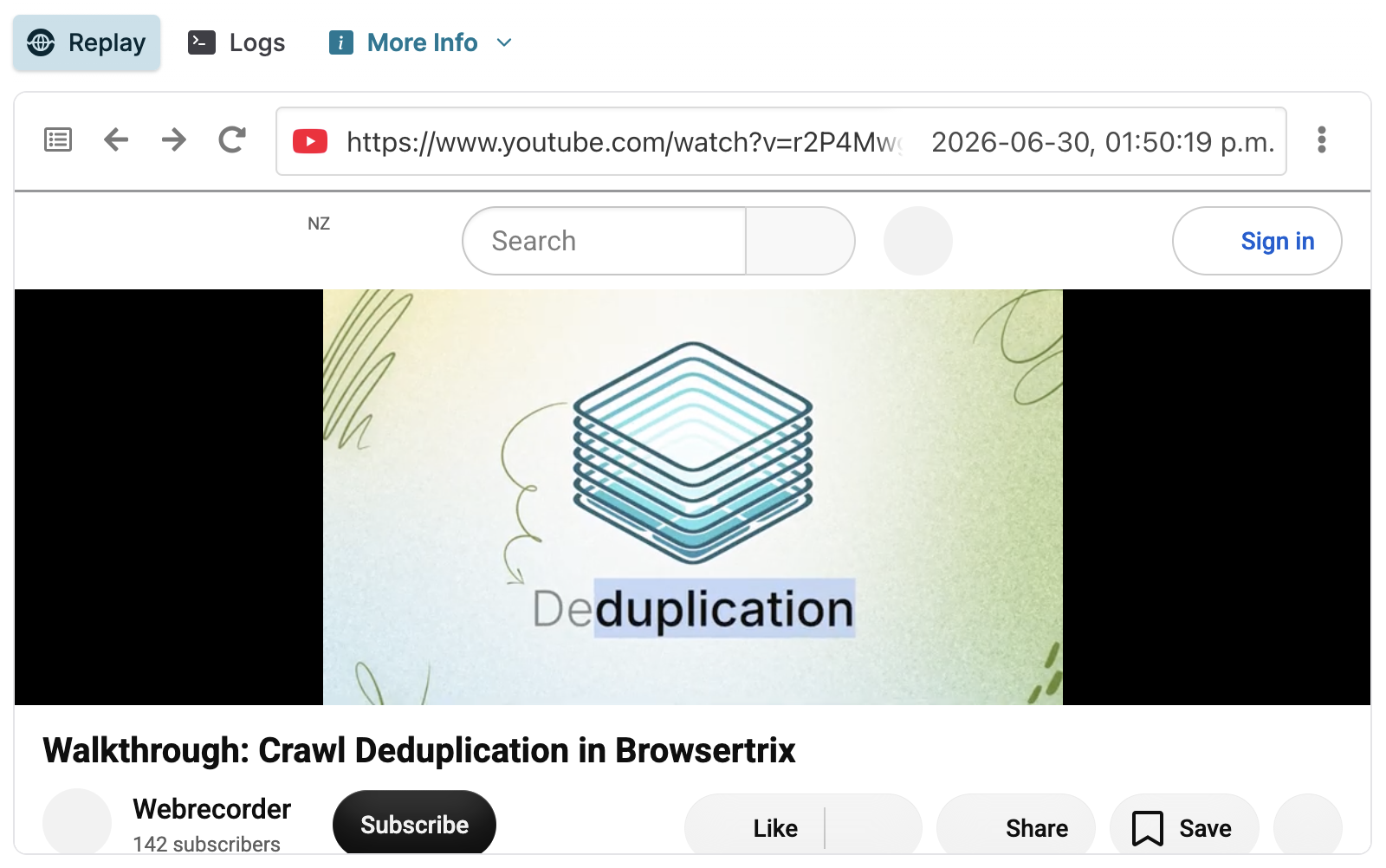
The latest Browsertrix includes important fixes to ensure that capturing YouTube videos works reliably. We know that just capturing YouTube pages isn’t enough, however—many organizations need to be able to capture and replay embedded YouTube videos on other sites. We’ve taken the time to ensure that these embedded videos also capture and replay just as well as videos on YouTube itself. In future versions of Browsertrix, we plan to investigate enhancements to improve the resolution and fidelity of archived YouTube videos.